A home for your books.
A private reader for PDFs and EPUBs. Install with Homebrew, drop in your files, and start reading. No server setup required.
Own your reading experience
A clean, focused interface designed for reading. Browse your collection, track your progress, and enjoy your books without distraction.
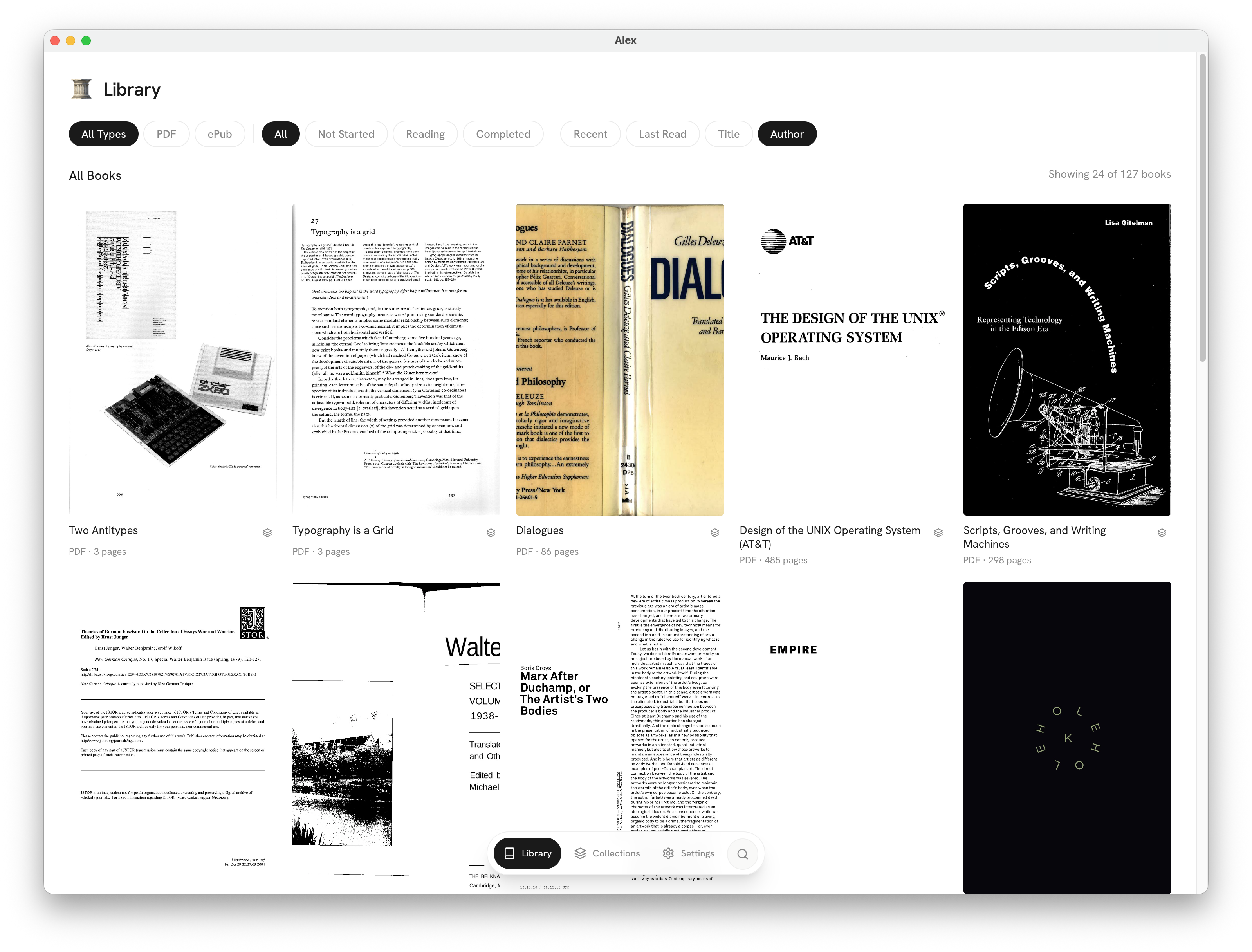
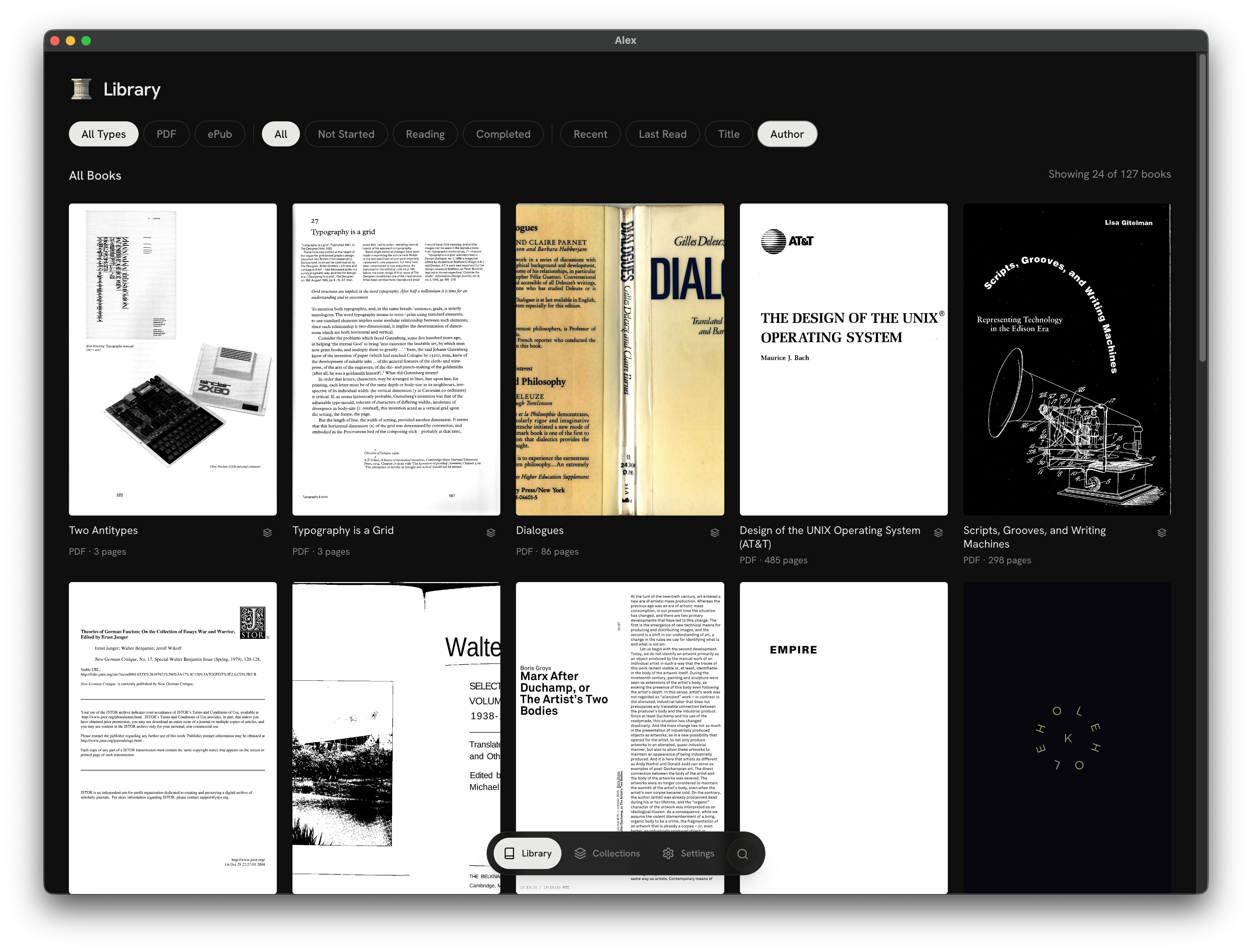
Runs on your machine
Alex is a desktop app that keeps everything local. Your books and reading data never leave your computer unless you want them to.
Privacy first
No tracking, no analytics, no data collection. What you read, when you read it, and how far you get are yours alone.
Open standards
Built on EPUB and PDF standards. Your library works with any compatible reader, now and in the future.
Up and running in minutes
Alex runs as a desktop app on your Mac. You can also deploy it with Docker if you prefer an always-on server.
Install with Homebrew
One command to install on macOS. Also available as a direct download for Linux.
Add your books
Point Alex at a folder of PDFs and EPUBs, or connect an S3-compatible bucket. It indexes everything automatically.
Start reading
Browse your library, pick up where you left off, and read without distraction. Your progress syncs across devices.
For readers
A library that fits
how you read
Install the app, point it at your books folder, and you have a library. Read on your laptop, tablet, or phone through any browser. Nothing else to configure.
- Desktop app with easy setup
- Read in any modern browser, any device
- Reading progress synced automatically
- Organize books into personal collections
For sharing
Share your library
with anyone
Create shared collections for course materials, book clubs, or research groups. The built-in relay service makes your library accessible from anywhere—no port forwarding or server setup.
- Public collections via shareable links
- Relay service for access without port forwarding
- Multi-user support with separate accounts
- Docker deployment for always-on servers
What's next
Social reading
See what your friends are reading. Discover new books through trusted recommendations, not algorithmic suggestions.
Native app access via OPDS
Right now, reading happens entirely in your web browser—open Alex on your iPad, phone, or laptop and start reading immediately, no app required. OPDS support is coming to let you pull your library into Kindle, KOReader, or any compatible e-reader app as well.
Download the app and start reading
Get started with Alex
Available for macOS and Linux. Install the desktop app or deploy with Docker—full documentation included.